
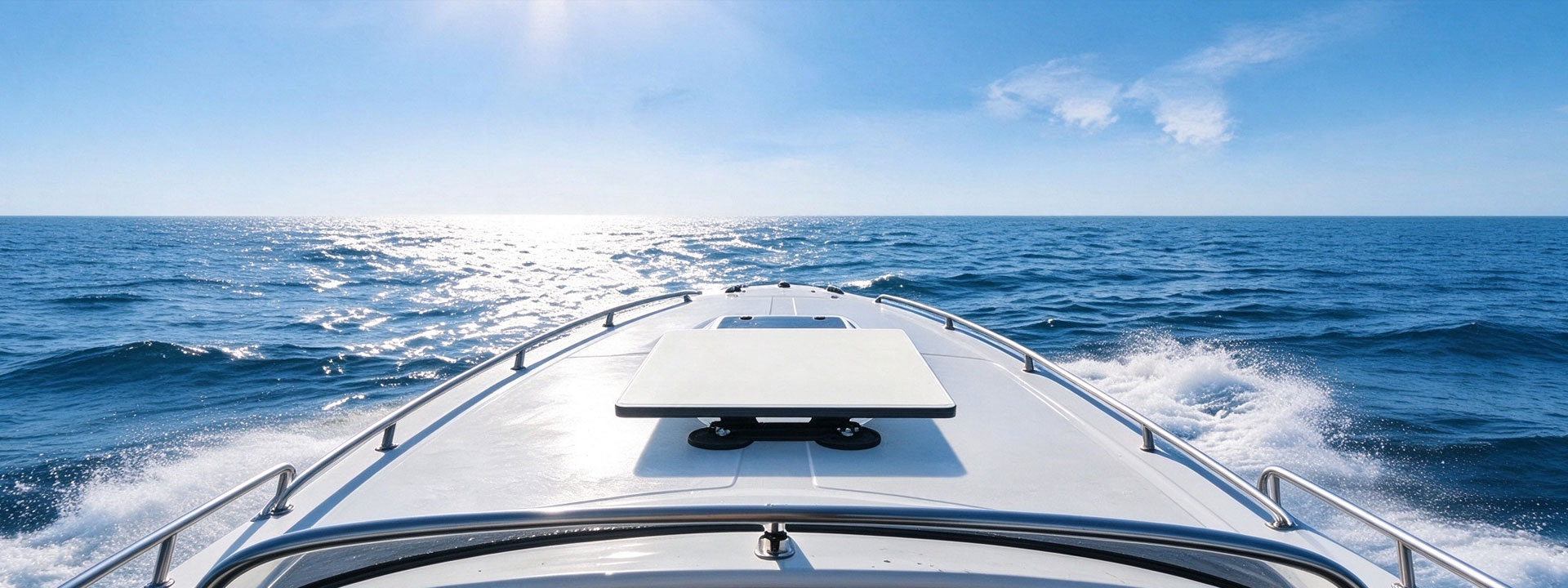
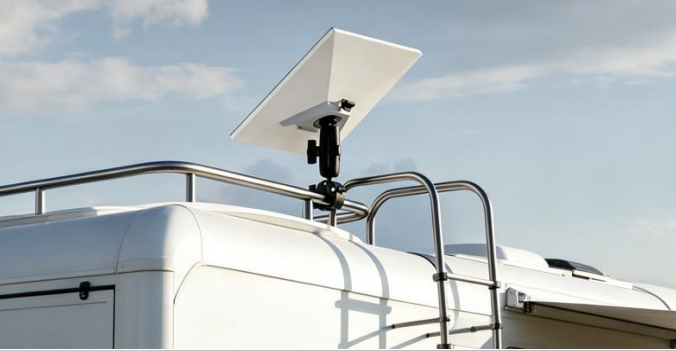
Starlink Mini is built for mobility, but a loose dish on a moving RV loses signal every time you hit a bump. A proper mount keeps the antenna steady, weatherproof, and powered — so you get reliable internet at the campsite, not just parked at home.
✅ What You Need Starlink Mini mount bracket (magnetic base or pole clamp) DC-DC power solution (cigarette lighter / 12V hardwire) Weatherproof enclosure (for outdoor mounting) Short extension cable for window / roof routing
📝 Step-by-Step: Mounting Starlink Mini on an RV 1. Select your mounting location Roof center is ideal for unobstructed sky view. Keep away from AC units and satellite domes. Side walls are an alternative if roof space is blocked.
2. Select bracket type Magnetic mounts: tool-free, perfect for metal roofs. Pole clamps: designed for rails and fixed masts. See our Starlink Mini RV Mount Bracket →
3. Install & route cable Clean mounting surface, attach magnetic base, run cable via window gap or roof gland.
4. Connect power 12V DC-DC adapter plug-in, or fused hardwire to RV house battery. Power options →
5. Add weather protection Use waterproof enclosure to protect connectors from rain when mounted externally. Enclosure →
⚡ Off-Grid Power Tips Powering Starlink Mini from 12V RV systems is energy-efficient. A 100Ah LiFePO4 battery supports light overnight usage. Add solar panels for multi-day camping trips.
🌧️ Weatherproofing Note Starlink Mini has IP67 rating, yet cable connectors remain the vulnerable spot. Use sealed enclosure + drip loop at cable entry to stop water ingress.