
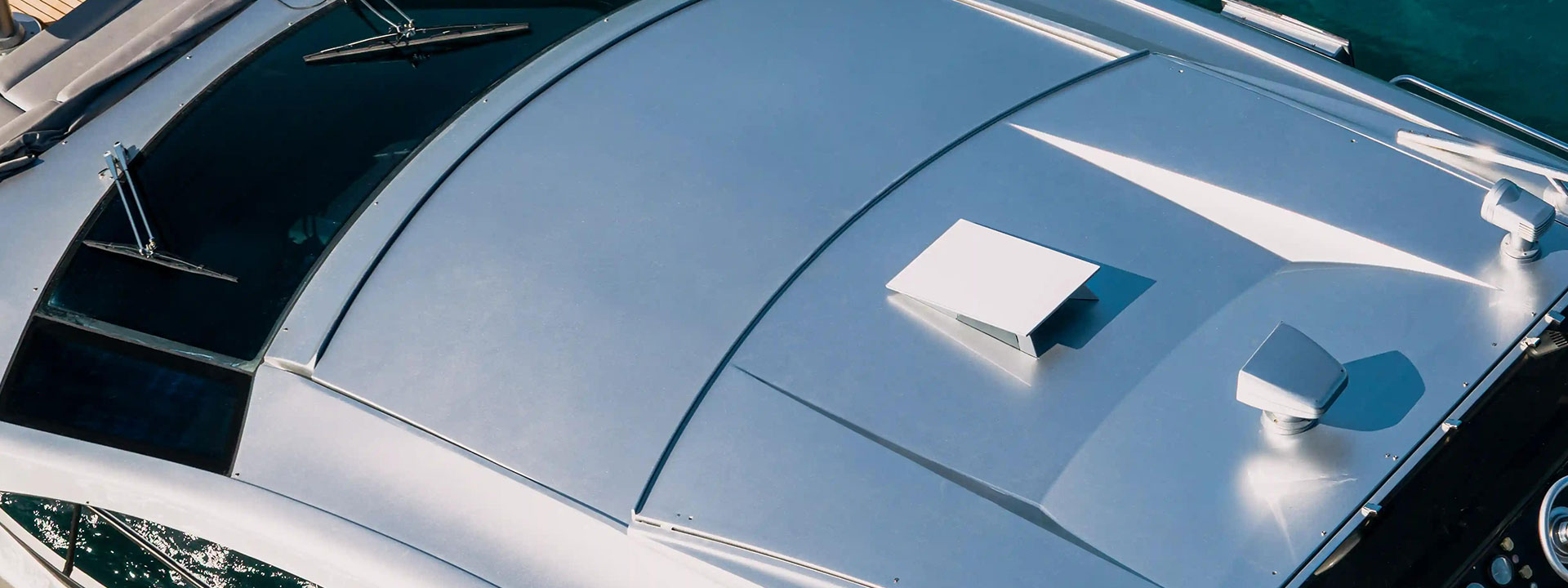
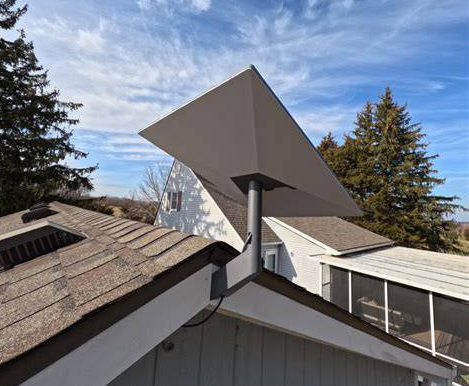
For a fixed Starlink — a barn, cabin, shop or resort building — a pole or wall mount beats a tripod for stability and looks. This guide covers PLZTECH’s Gen3 and V5 brackets and how to install them safely. Starlink self-aims, so precision pointing is not required; clean mounting and sealing are.
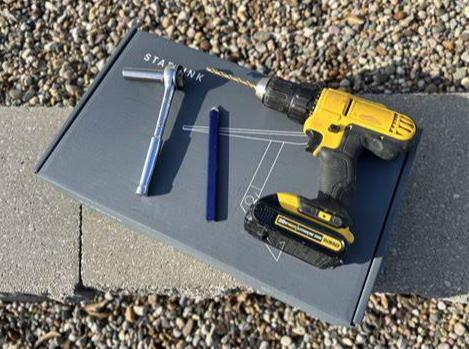
1. Confirm Your Dish Generation
Gen3 (Standard/V4) and V5 use different base geometry. Use V5-specific brackets (V5 base mount, V5 telescopic wall mount) for V5; use Gen3 brackets (straight pipe roof mount, curved stainless wall brackets, multi-scenario roof mount) for Gen3. A Mini uses its own foot and is not covered here.
2. Pole Mount (Roof or Ground)
Hardware: Gen3 aluminum straight pipe roof mount, or a universal pipe adapter on an existing mast.
- Select a mast 1.5–2 m above the roofline to clear most obstructions. A 10 ft pole is common for ground installs.
- Secure the mast: roof penetration with a flashing + sealant, or a ground tripod / guyed mast.
- Slide the pipe adapter / bracket onto the mast and tighten.
- Seat the dish; aim generally skyward (Starlink self-aims).
- Route the cable down the mast with UV-rated ties; seal the roof penetration.
3. Wall Mount (Curved or Flat)
Hardware: Gen3 adjustable extended curved stainless wall bracket (for rounded surfaces like silos, boat hulls, RV sides) or the shorter curved stainless bracket.
- Mark two bolt points on the wall; use masonry anchors on concrete, lag bolts on timber.
- Attach the bracket; confirm it is level and rigid.
- For V5, use the telescopic wall mount bracket — it extends reach from the wall for clearance.
- Mount the dish; lock the adjustment.
4. Roof Mount (Multi-Scenario)
The Gen3 aluminum multi-scenario roof mount supports roof / wall / pole with multi-angle adjustment — a flexible choice when final orientation is uncertain.
5. Cable & Power
- Permanent installs: route the cable through an Ethernet bulkhead and seal.
- Use the 144W 48V 3A adapter (Gen3; verify V5) or a PoE-capable injector for a single clean run.
- For distant buildings, hand off to a wireless bridge rather than running long cable.
6. Safety
- Keep clear of power lines (minimum 3 m).
- Ground the mast in lightning-prone areas.
- Do not install on a weak or rotting substrate.
FAQ
Q: Will a Gen3 bracket fit V5? No — use V5-specific brackets.
Q: How high should the pole be? High enough to clear the roof and nearby trees; 1.5–2 m above the roofline is typical.
Q: Can I mount on a curved silo or hull? Yes — the curved stainless wall bracket is designed for that.