

An outdoor WiFi6 access point (IP67, ~24 dBm) is the workhorse for covering yards, marinas and campsites. Installation is mostly about keeping water and lightning out — the radio configuration is the easy part.
1. Site survey
- Walk the coverage area with a phone Wi-Fi analyzer; note dead spots and where users will be.
- Pick a central, elevated point — a pole or barn gable — with mains or a PoE switch nearby.
2. Pole mount
Use the included bracket to clamp the AP to a 1.5–3 m pole. Aim the antenna downward at a slight tilt so the beam covers the ground below rather than the sky. Tighten to rated torque; a loose AP vibrates and drifts.
3. PoE placement
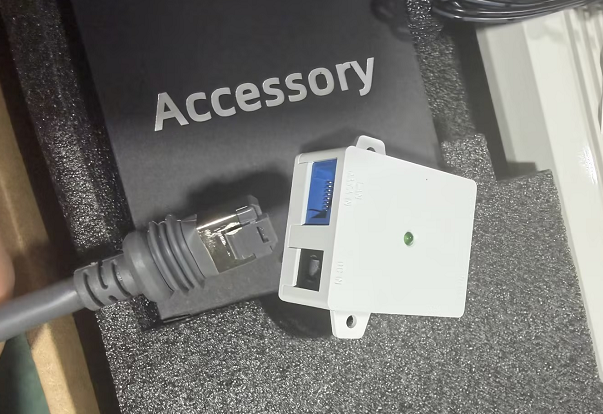
The AP is powered by a PoE injector or PoE switch over a single CAT5e cable. Put the injector indoors or in a weatherproof box, and keep the outdoor run as one continuous cable — no splices.
4. IP67 sealing
| Point | Action |
|---|---|
| Cable entry | Use an IP67 gland; form a drip loop below it |
| RJ45 ends | Outdoor-rated, fully crimped |
| Connectors | Self-amalgamating tape over any joint |
5. Grounding
Bond the pole and the AP's ground lug to the site earth. Lightning follows the path of least resistance; a grounded mount protects the network behind it.
6. Test
After powering up, walk the perimeter and measure signal (aim for >−65 dBm at the edge). Re-seal and re-check after the first heavy rain.