

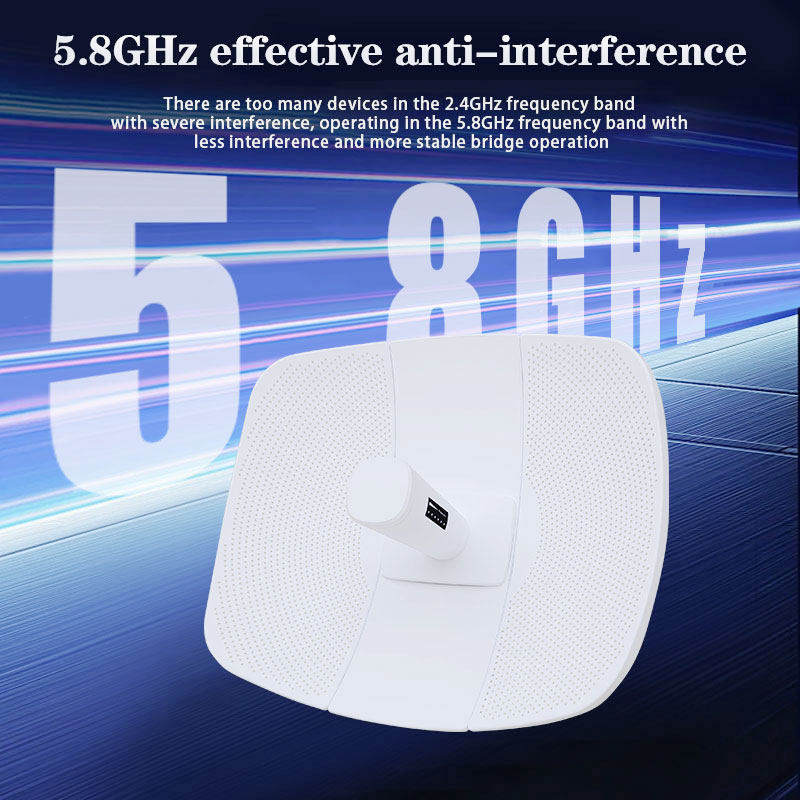
A wireless bridge is a pair of radios that send data point-to-point, no cable in between. Installers use them to carry a Starlink connection from a clear-sky dish site to a building that cannot see the sky. Choosing the right one is about distance, frequency and power — not just the biggest number on the box.
1. Range vs throughput
Doubling the distance on the same radio cuts usable throughput because the link margin shrinks. As a rule of thumb:
| Range | Typical use | What to expect |
|---|---|---|
| Up to 3 km | Adjacent buildings, yard to barn | High throughput, easy alignment |
| Up to 5 km | Across a small valley | Good throughput, needs clear Fresnel |
| Up to 25 km | Remote site to relay | High-power radios, strict line-of-sight |
2. 2.4G vs 5.8G
2.4 G travels farther around obstacles and through foliage, but is crowded by Wi-Fi and phones, causing interference. 5.8 G is cleaner and supports higher modulation, so for a clear over-valley shot the 5.8 G 25 km bridge is the better backhaul. Use 2.4 G only when something blocks the path.
3. Read the specs that matter
- Antenna gain (dBi): higher gain = narrower beam = more range, but harder to aim.
- Transmit power (dBm): a 25 km link needs high-power radios; check the EIRP limit in your region.
- PoE: confirm the injector voltage (24 V or 48 V) matches, so a single cable powers the radio.
4. Pre-purchase checklist
Measure the distance, confirm line-of-sight with a map, pick 5.8G for clean shots, size the antenna gain to the range, and verify PoE voltage before you buy.