
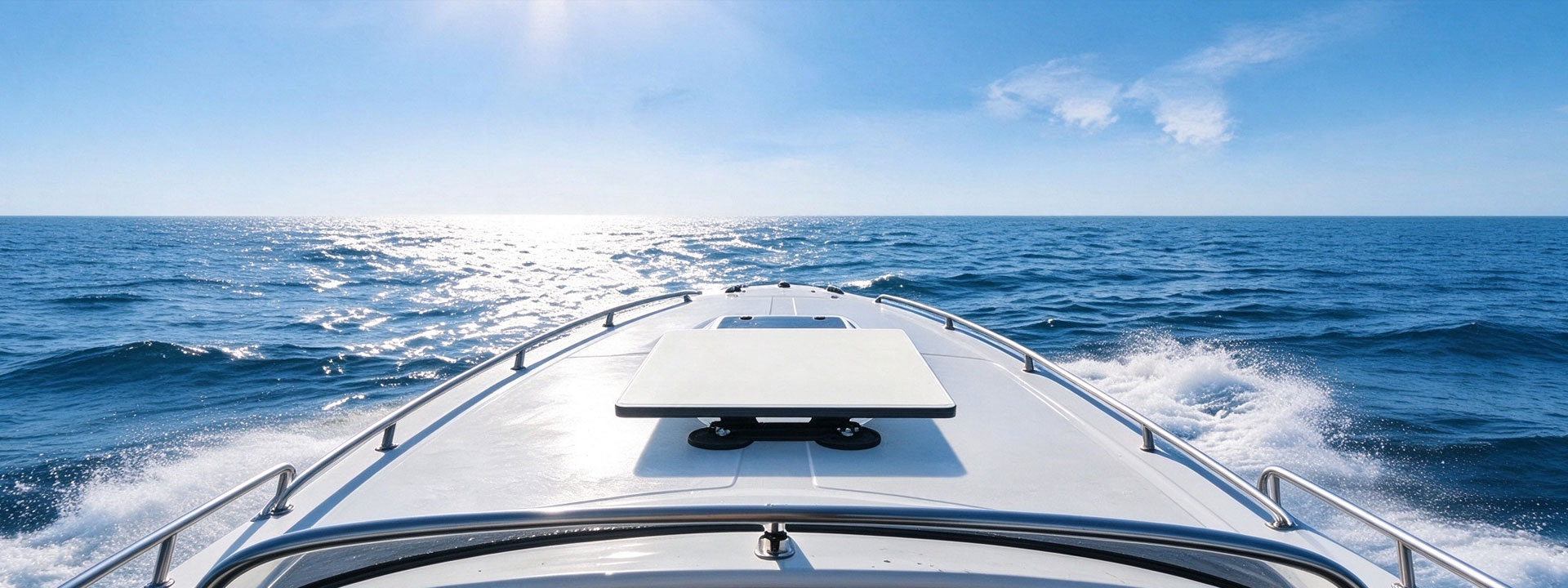
Most Starlink mount callbacks are not caused by a bad bracket. They are caused by the bracket being installed badly, or installed well on a pole that was the wrong choice. This guide walks through the sequence we use on our own installs, in the order that avoids rework. If you are a reseller packaging these into a kit, the order below is also the order your install sheet should be written in.
Step 1 — choose the pole before the mount
The mount is designed around the dish, not around the pole. A 60 mm pole is the common choice for the Mini because it gives a rigid wall without excessive wind loading, but anything below about 40 mm will flex enough to move the dish under wind load and you will lose alignment. Above 80 mm you are usually adding weight and wind sail for no benefit. More important than diameter is stiffness: a thin-wall pole from a garden supplier will flex, and a clamped dish on a flexing pole will still lose aim. If your kit includes the pole, specify wall thickness or use a solid tube — that single decision prevents most of the alignment complaints we see.
Step 2 — clamp correctly
Clean the pole and the clamp face before assembly; a dusty or oily surface reduces friction and the clamp will creep. Fit the clamp in the correct orientation so that the split faces seat flat on the pole, then tighten to the specified torque with a torque wrench on a long pole. A split clamp that is overtightened will deform and lose its grip; one that is under-tightened will slip under cyclic load. Mark the position with a paint pen or a cable tie after final torque so the next technician can see whether it has moved.
Step 3 — think about the mast and the pivot
The dish needs to be aimed, and aiming means the mount must not obstruct the tilt range. Fit the clamp so that the dish can still reach its full elevation and azimuth without hitting the pole. This sounds obvious and is a frequent late-stage discovery: the dish reaches 45 degrees and stops. Test the full range before you run the cable.
Step 4 — seal the cable entry before you route
Run the DC cable through the pole, not around it. A cable that runs externally along a pole collects water at every fixing and eventually works its way into the connector. If the cable must pass through the pole, use the grommet supplied with the mount and make sure the grommet is sized to the cable, not stretched over it. Where the cable leaves the pole at the bottom, route it downward and into the enclosure before it turns, so that water runs away from the connector rather than into it. Add drip loops: the cable should enter the enclosure lower than the exit point, so any water in the cable sheath drains out.
Step 5 — power before you aim
Power the system up and confirm you have a working link before spending time on alignment. Aligning a dish that will not acquire a signal wastes the most expensive part of the install, and it is a common order-of-operations error. Once you have a stable connection, fine alignment takes seconds rather than minutes.
Step 6 — the handover checklist
Before you leave: confirm the mount is tight and marked, the cable entry is sealed and the drip loop is present, the connector is fully seated and strain-relieved, the system acquires and holds a connection, and the customer knows where the unit is and what it is for. Photograph the installed unit, and record the serial numbers. That last step is what makes a warranty claim painless six months later, and for fleet and rental customers it is what lets a depot technician repeat the install exactly.
Accessories that make the job faster
The small items are what separate a one-hour install from a three-hour one: a proper torque wrench, a grommet set matched to the cable, a moulded strain-relief boot, a drip-loop clip, and a sealable junction box for the interior terminations. PLZTECH packages these into the same kits we supply to installers, because a mount sold without the consumables is a mount that gets installed with tape.